
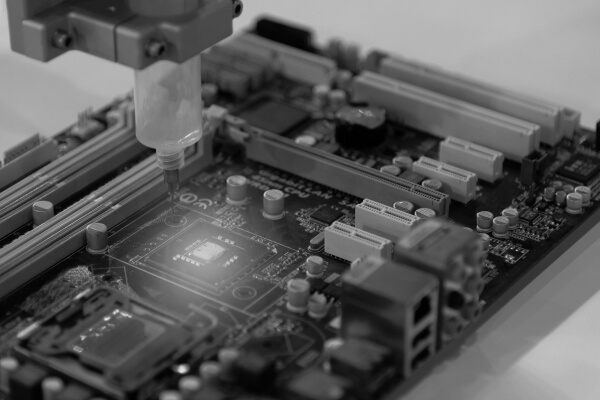
Unbeaten Productivity of Low-Level Qt Development
Since a Qt UI framework is based on C++, it brings high productivity. It has a comprehensive ecosystem of libraries and development tools that allow you to develop GUI applications with advanced data visualization and 3D object rendering on the fly. For example, Qt can be used for:
- UI-enabled smart home device ecosystems
- UI-enabled embedded systems
- Streaming systems, walkie-talkies, IPTV
- Computer utilities (e.g., calculators, text editors, players)
- Messengers
- Mobile and desktop clients (e.g., Google Drive, Facebook, Twitter)
- Graphic tool plugins
- Linux-driven UI-enabled apps
Sped Up Prototyping and Deployment
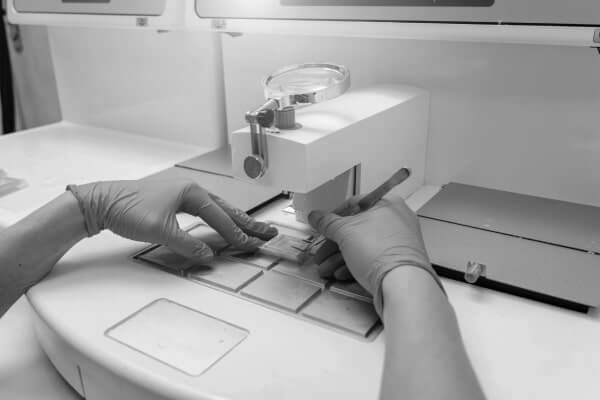
When used for an embedded device UI, Qt software requires just a screen resolution to start the development. It provides a ready-made lightweight environment that runs on a variety of supported hardware. The framework comes with a customizable software stack and special toolchain. Direct device deployment, on-device debugging, and profiling speed up the development process which reduces the time to market.
Native UI Experience
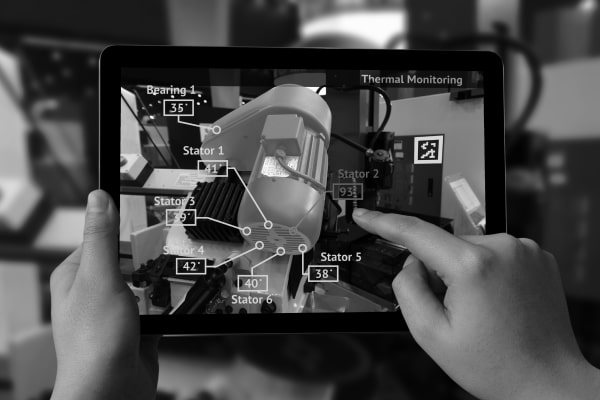
With Qt, your snappy UIs work on any screen and each platform as native. This is possible due to its APIs and modular structure. Additionally, the Qt Quick tool allows you to build dynamic UIs featuring fluid animation, transitions, and special effects.
Scalable IoT Ecosystem UI
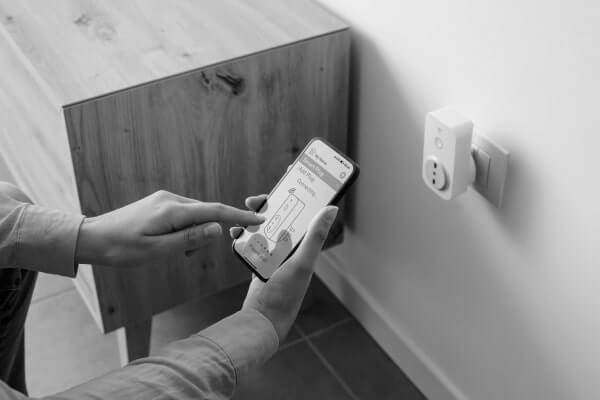
A Qt UI is perfect for controlling IoT-connected devices. Their data stored in the Cloud can be accessed and managed from any gadget—a mobile phone, tablet, laptop, or PC. The UI you get is scalable and portable for each solution you add to the connected ecosystem.

Qt Software Alternatives
Some projects don’t need a framework as multi-layered as Qt for building UIs. In this case, we suggest two other options:
- Web-view GUI—a tool that works on a device’s browser and uses Javascript. Instead of C++ engineers, you can therefore employ web developers to get a front-end UI. It also allows you to duplicate a UI for network devices so that you can reach it from any connected gadget. The drawback of this tool is a relatively large image footprint.
- Light and Versatile Graphics Library (LVGL)—a C-based library that helps create embedded GUIs. It’s perfect when a UI is all you need. LVGL demands a low memory footprint and a simpler license method. This makes it more convenient for designing plain UIs.
Migero will help you choose a proper UI-building approach, be it a Qt framework or another development tool.
Projects
Desktop Application for Network-on-Chip (NoC) Design
Features a graphic user interface (GUI) with drag and drop capabilities
- Provides a GUI interface to define custom chip interconnect design
- Automates the design completion processes
- Ensures design consistency
- Enables intuitive navigation through a design flow
- Supports a Tcl-based interface and Tcl scripts
- Helps prepare a chip floor plan design specification
Mobile App for Scheduling In-home Doctor Visits
Enables patients to request a house call at a convenient time, features professionals’ ratings and billing information
- Mobile app
- Web admin portal
- Promo website
Bluetooth-based Remote Control App for Outdoor Lights
Manages Multiple Light Locations, Stores Custom Settings For Each User
- Application Functionality
- Security
How Can We Help?
Engineering Complex Back Ends
Our developers make use of code-sharing tools including .Net Standard and portable class libraries (PCLs) to enable common business logic for platform-independent applications. We can handle push notifications, user authentication, live chat, analytics, and integration with external services, including maps (Google Maps, Mapbox) and payment services (Stripe)
Developing Cross-platform Apps for IoT Solutions
Migero offers cross-platform mobile development services to IoT startups and companies undergoing Digital Transformation. Our portfolio features cross-platform applications supporting the management of IoT solutions: pet activity trackers, sports accessories, telecare systems, and Smart Home devices.
Get In Touch
[contact-form-7 id=”2367″ title=”Contact Form One”]
Don't hesitate to contact us
Call Us
+2761-527-0985
Write to us
info@migerotec.com
Office hours
Mon-Fri 8:00 – 17:00